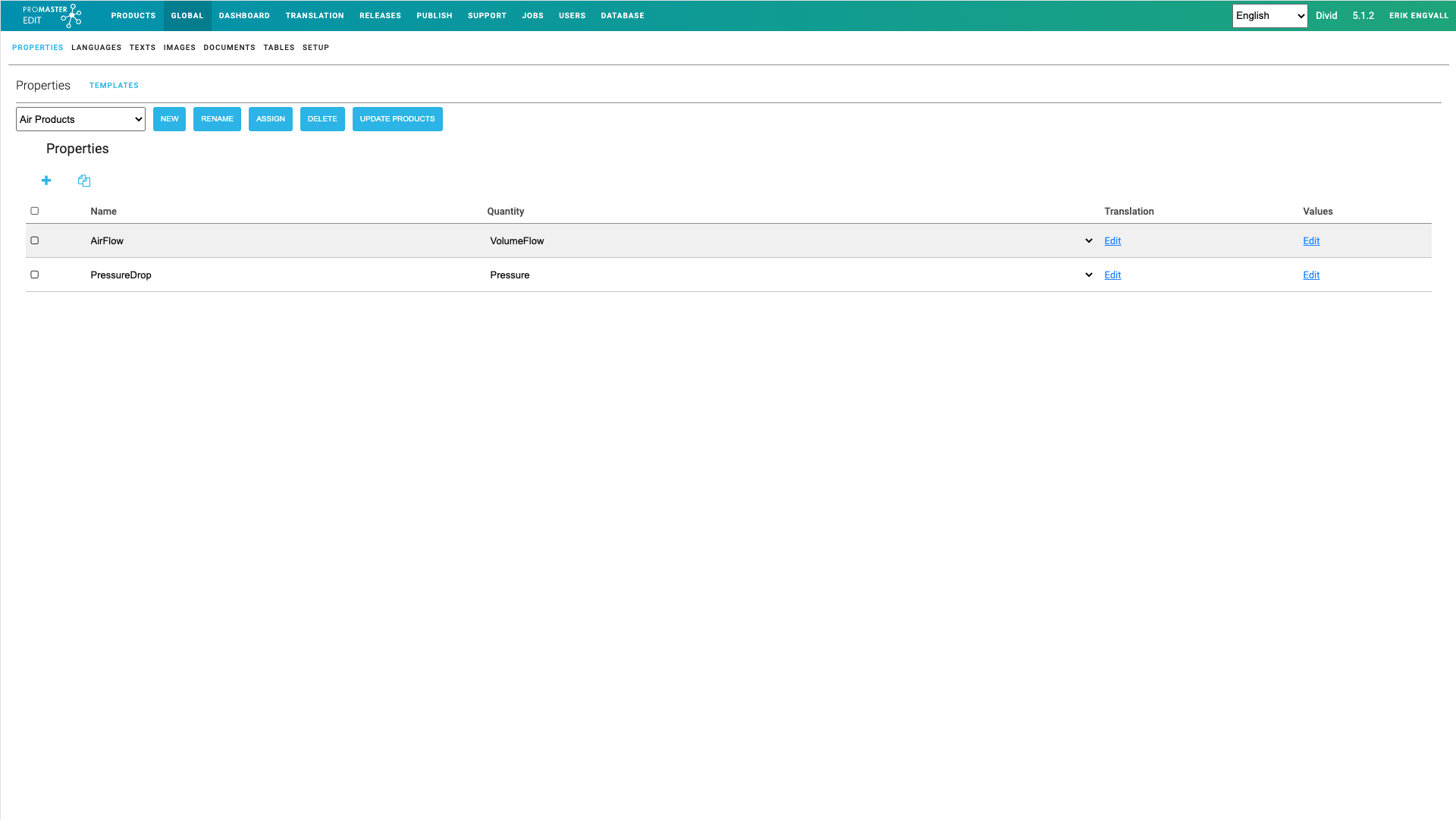
The Global Area
Introduction
Global area is used to enter templates.
Templates make it easy to
- Specify how several products of same kind shall be defined.
A new product can be created from the templates. - Make changes on many products at the same time.
The template is the updated and the template is reapplied to all products that are following the template. - It is possible to validate completeness of product data by comparing the product data with the template data.
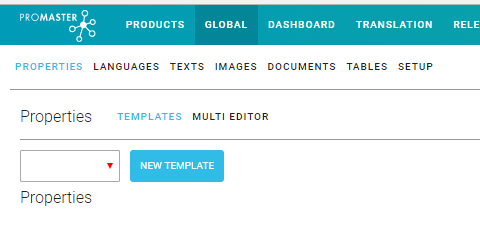
Templates can be created for
- Properties
- Languages
- Texts
- Images
- Documents
- Tables
Properties template
Click on "New Template" to create a new template for properties.
Click on the Plus sign one or more times to add some properties. Type in name and select Quantity and add translation if needed. It is also possible to add values that will be added to each product for the property when the template is added to a product. If values are different between the products it is better to add the values on each product after the template has been added to the specific products.