Versions
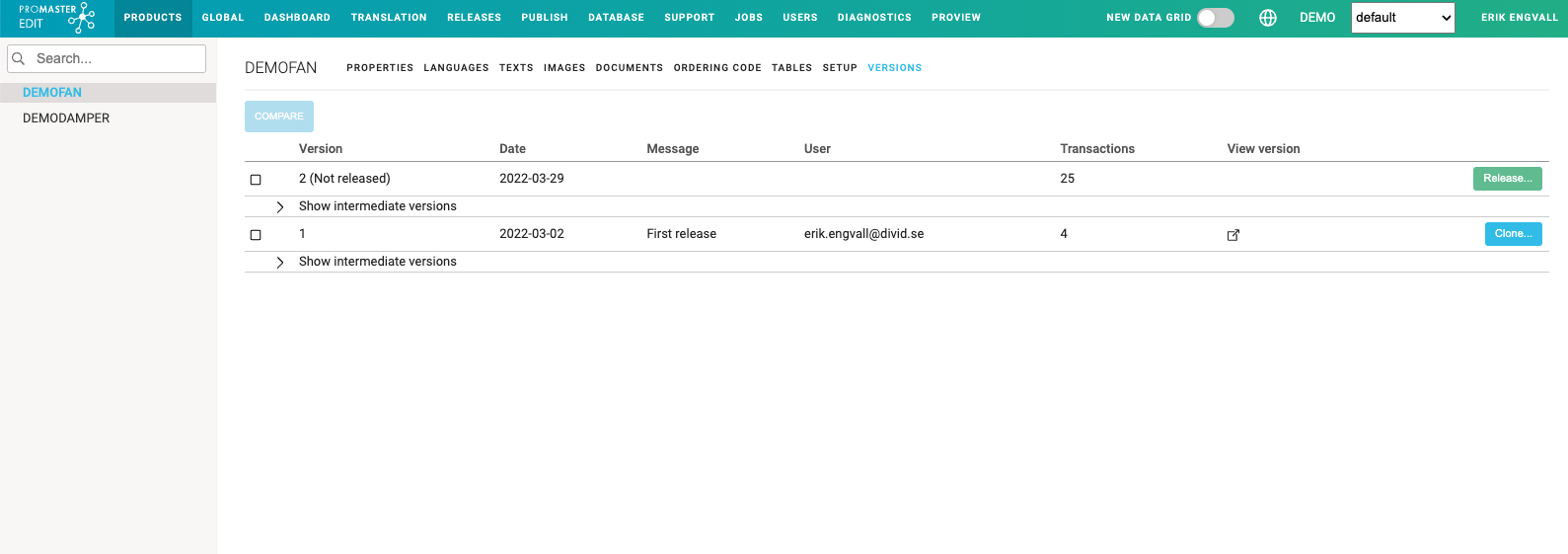
The Versions module show all versions of a product. Everytime something on the product is changed a new intermediate version (1.1, 1.2, etc) is created. When the product is released in the Release area the product gets a new version number (1, 2, etc).
Compare
It is possible to see what has changed between two versions by using the compare function. Select two product versions by ticking the box before the name and click on the Compare-button. To see what rows are changed click on the blue "hamburger-button" in the middle and then "Compare Rows" to see exakt changes.

Clone
To be restore data from older versions it is possible to clone that exact version into a new product. From there it is then possible to retrieve the data needed.
Click on Clone and name the cloned product which will then appear in the tree view on the left.
