Global - Properties
Template for Properties
Use a property template to apply one or several properties to many products.
Create template for properties
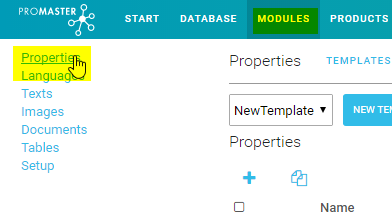
- Select Modules->Properties
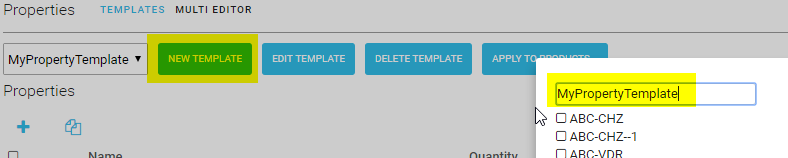
- Select New Template, Enter name, optionally select the products that shall have the template and click ok. It is possible to apply the template to products later.
- Start entering properties. In Example propertyA and propertyB.

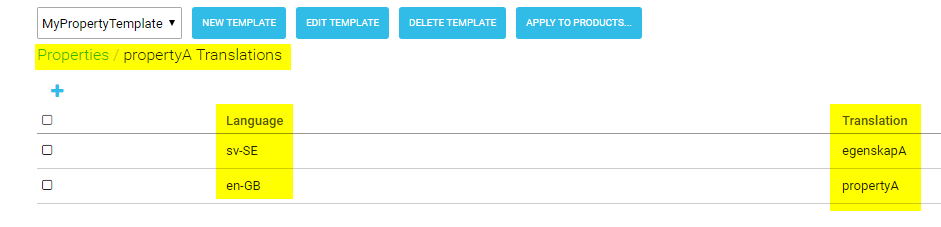
- Add translations for properties.
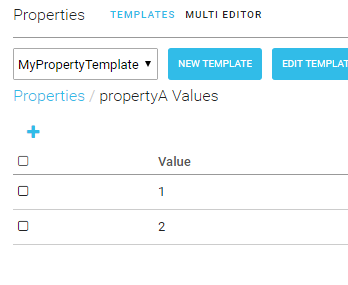
- Add values. In example 1 and 2.
- Add translation for values.
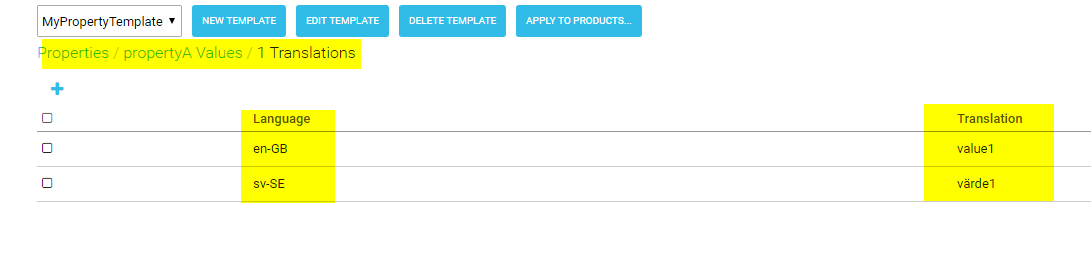
Apply a property template to products
There are two ways to apply a property template to products.
- Apply from the template module.
- Apply template from the product.
Apply to products from global area
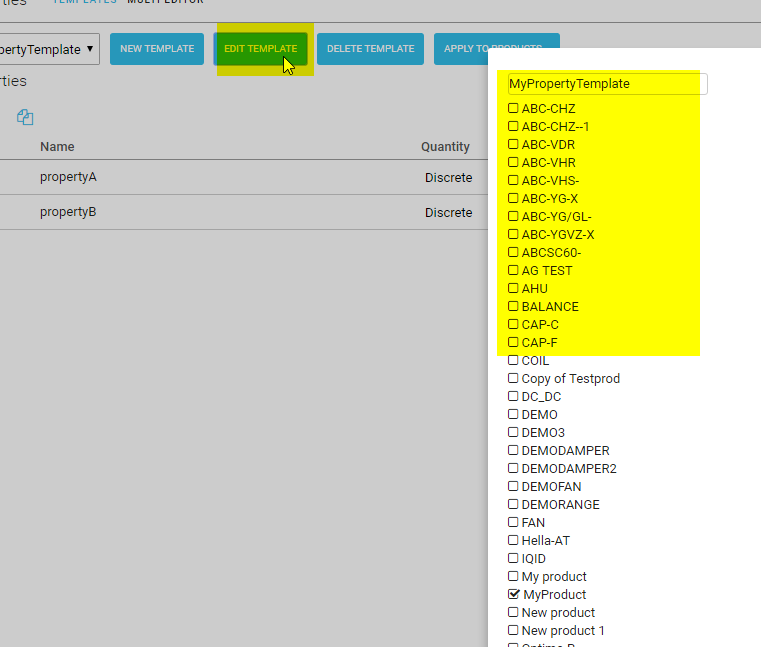
- Click edit template and select the products that shall have the template.
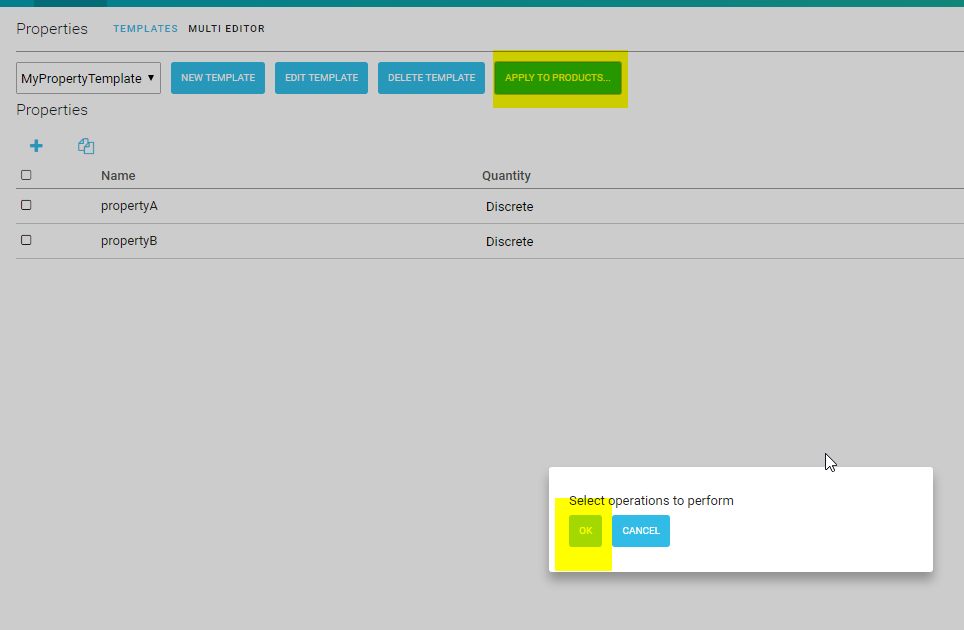
- Click “Apply to products” then ok.
Apply to products from product area
- Select product where to apply template. Select properties and +.

- Select template that shall be applied and click OK.

- Select template and select “Apply template”.

- Click OK.
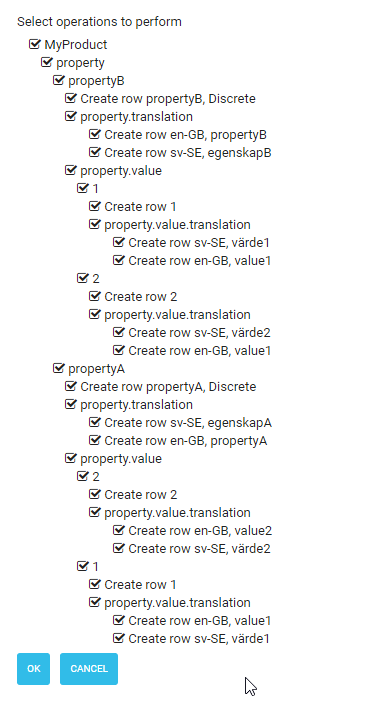
Now the product gets the properties, property values and translations from the template.
