Languages
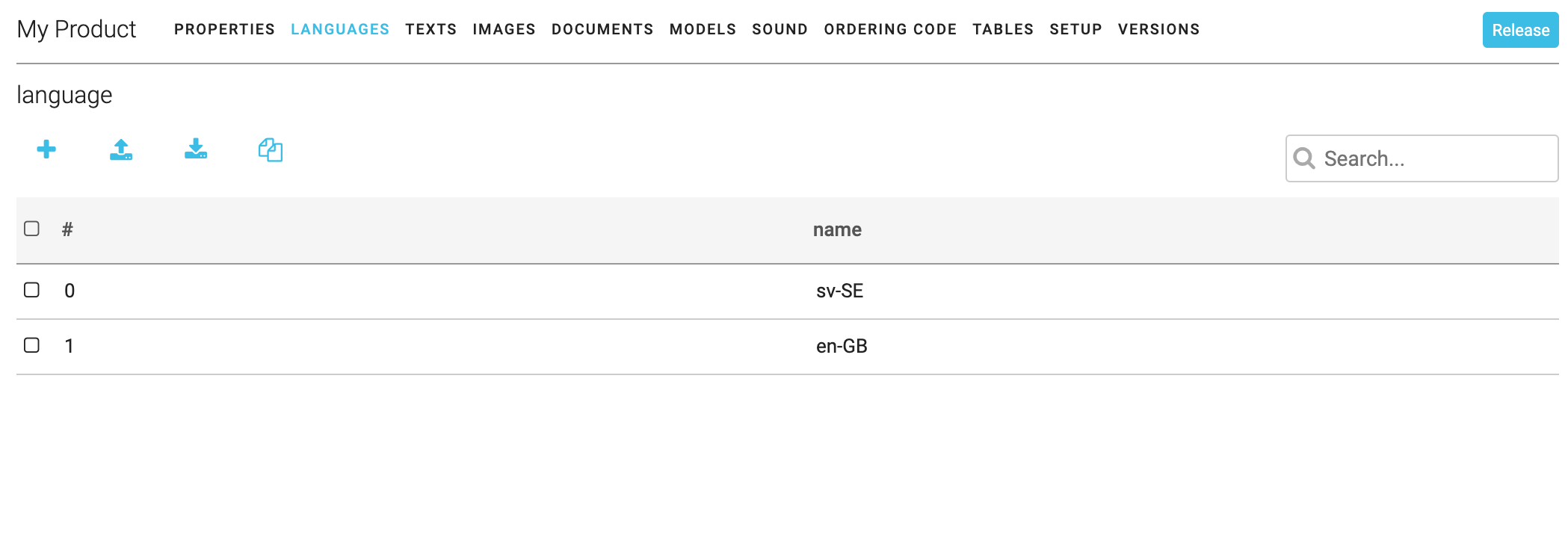 The languages specified here are the languages that the product can be translated to. The translations has to be added to the product in all modules.
Crowdin
To make translations easier it is possible to buy a plugin to Promaster that integrates to the localization tool Crowdin (https://crowdin.com/). A separate license for Crowdin is also needed.
Add new language
Add a new language by clicking on the +-icon and name the language. It is important to name each language the same on all products. A good naming convention is to use the ISO standard convention listed here: https://support.crowdin.com/api/language-codes/